Acceptance criteria
The target is to keep physical and system stock aligned across stores and warehouses.
- Physical-system stock match
- Lossless receiving and dispatch
- ERP data flow without gaps
RfidSpace connects product EPC, barcode, size, color, store, warehouse, POS, reader and ERP events in one operational model for retail chains.
The retail workflow starts before the item reaches the shelf. Purchase or transfer documents, carton reads, handheld counts, e-commerce picking lists, POS transactions, fitting-room movement, gates and integration jobs are reconciled under the same platform.
The target is to keep physical and system stock aligned across stores and warehouses.
Incoming products can be accepted with or without a document, then compared with expected purchase or transfer lines.
Store shipments can be document-based, partial and grouped for the same destination store.
Returns from store to warehouse are read by RFID and entered back into the receiving flow with user, time and reason context.
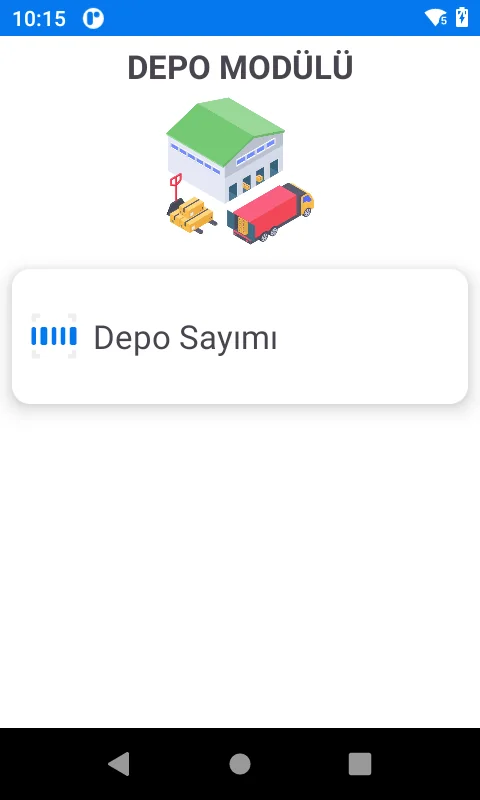
Teams can run full-store counts, partial location counts and product-group counts, then transfer count results to ERP.
Handheld workflows help staff locate products and record alteration processes as traceable store operations.
Online order picking lists can be entered or received, then validated with RFID reads before packing.
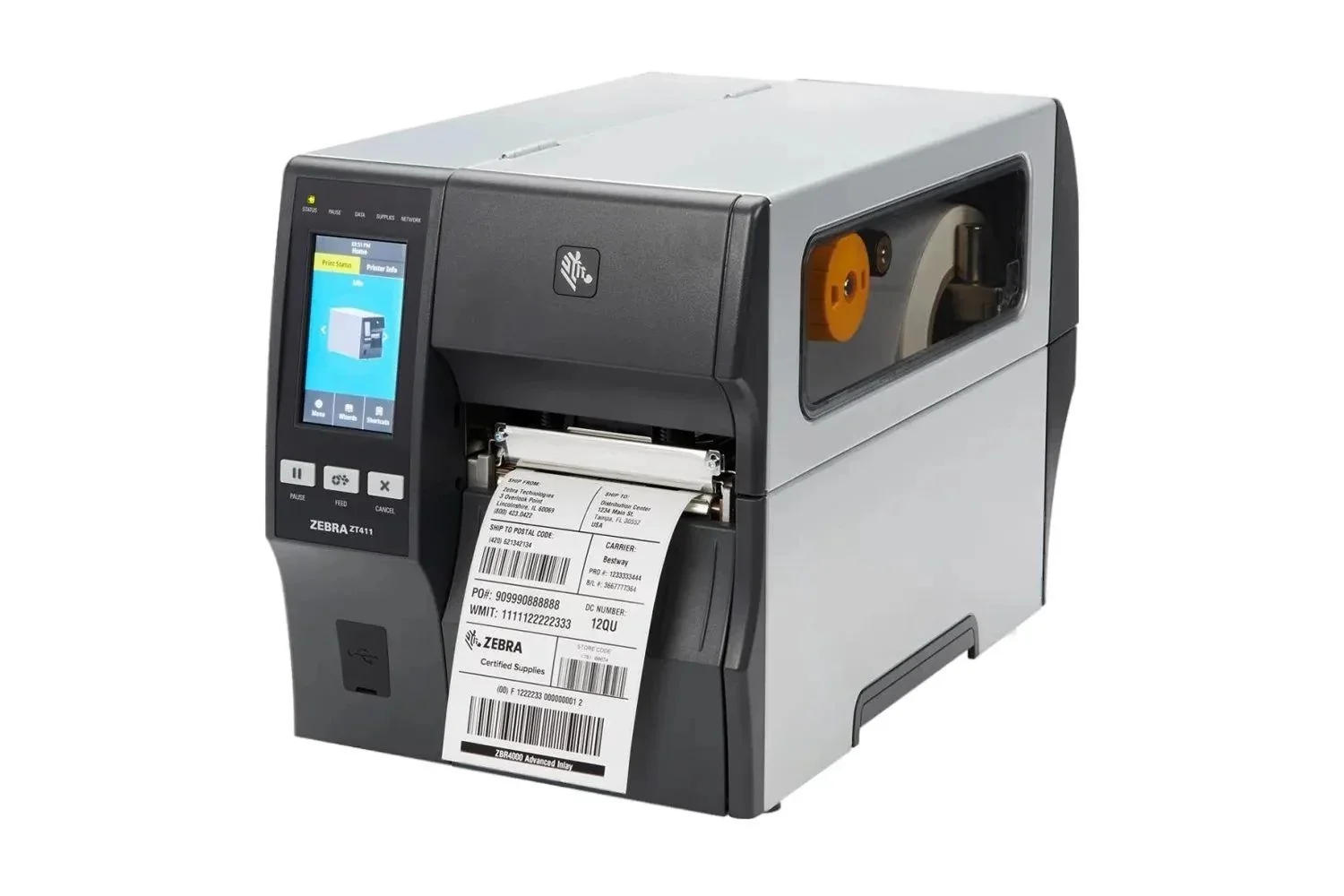
Pre-encoded tag lists can be imported from CSV, while new labels can be printed and encoded from selected templates.
ERP product data is linked with barcode, EPC, size, color, season and variant information.
Incoming items are read by handheld, tunnel or desktop station and compared with the document when available.
Transfer, item finder, fitting-room insights, alteration records, sales and returns are handled in controlled workflows.
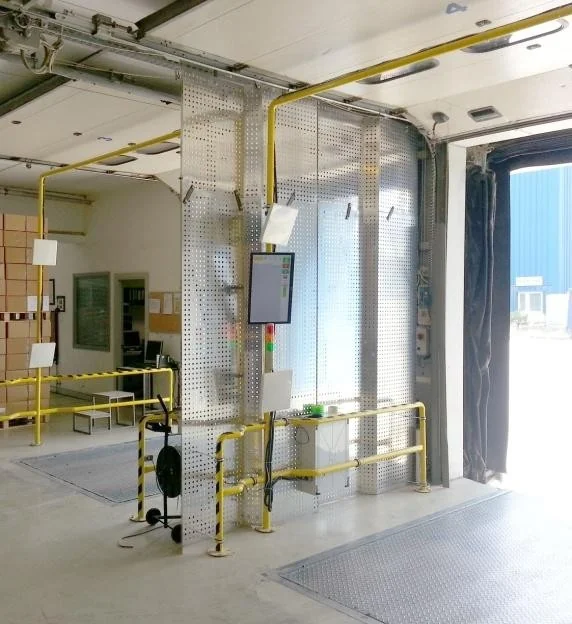
Counts, stock differences, door/tunnel reads, sales and integration logs are reported and reconciled with ERP.
Product code, description, season, barcode, color code, color description, size and variant data are received from ERP/POS services.
Store, warehouse and current stock information is used for comparison before counting and transfer reconciliation.
Receiving, shipment and transfer documents are exchanged through API with document code, source, destination, barcode and quantity fields.
Checkout scenarios can use controlled Windows app integration or serial/keyboard-emulation transfer depending on POS constraints.
Handhelds, fitting-room readers, printers, desktop stations, gates and tunnel readers are tracked by version and health status.
Integration jobs write operational logs for errors, duration and transferred document status.
RfidSpace can keep RFID-side master data for EPC, barcode, product, user, device and location parameters while synchronizing with ERP.
Handhelds, fixed readers and desktop stations communicate with the platform through TCP/IP and web API services.
A desktop RFID reader captures the tag at POS; integration can convert the read into barcode data through API, serial port or keyboard emulation.
Returned products are read by desktop reader or handheld, matched with the sales document and routed to relabeling when needed.
Items can be searched by product code, barcode or RFID tag; the handheld supports field finding through last location and signal feedback.
Fitting-room readers can turn trial movements into stock, conversion and customer behavior insights.
Yes. RfidSpace can separate document-based receiving, unplanned receiving and later ERP reconciliation according to the project rules.
Depending on checkout limitations, the sale/return signal can be exchanged through API, Windows app, serial port or keyboard-emulation scenarios.
Handhelds, readers, printers and tunnel/gate stations can be followed with communication time, version and status information.
Yes. Picking lists can be created manually or received through integration, and the prepared package can be validated by RFID before dispatch.