
Operational scope
RfidSpace defines the workflow, data model and operational control points needed for this process.
- Process definition
- Field validation
- Reporting
Track IT equipment, warehouse stock, employee assignments, service, warranty and audit counts with RFID and barcode supported RfidSpace IT inventory workflows.
Shows registration, assignment, location and maintenance tracking.
Track IT equipment, warehouse stock, employee assignments, service, warranty and audit counts with RFID and barcode supported RfidSpace IT inventory workflows.
RfidSpace defines the workflow, data model and operational control points needed for this process.
RfidSpace connects RFID, RTLS, PDKS, ESL and enterprise system events through a central data model.
Request a demo to evaluate the right hardware, integration and reporting setup for your operation.
The RfidSpace IT inventory module manages notebooks, monitors, printers, servers, switches, access points, consumables and spare equipment with RFID or barcode supported stock, assignment, warranty, service and counting workflows.
New equipment receipts, current stock levels, minimum stock warnings and category-based warehouse placement can be monitored.
IT materials entering and leaving the warehouse are recorded with user, department, document, date and location context. Reorder warnings can be modeled for repeat consumption items.
Faulty products, service dispatch, warranty state, service note and return movement are tracked on the same inventory record.
The operator can load a list by building, floor, room, warehouse or employee filter. Read IT equipment is compared with the expected list and missing, extra and wrong-location records are separated.
Stock, in/out movement, consumption, warehouse performance, warranty, service, inventory and security reports can be generated for management and audit processes.
Employee assignment, return, temporary handover, unauthorized movement and control points reduce lost or misplaced IT equipment.
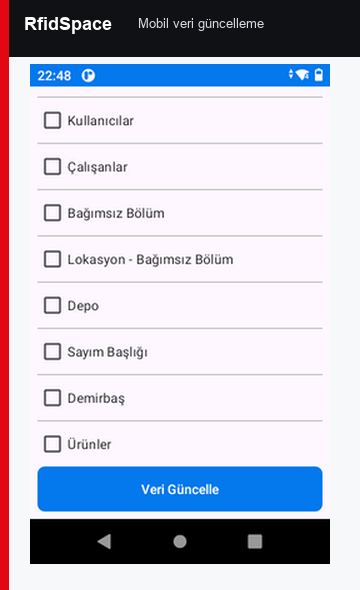
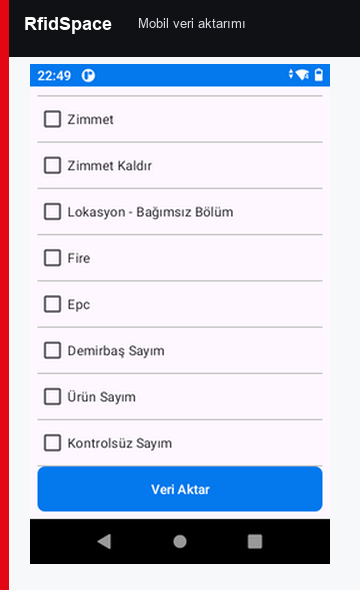
Asset, employee, assignment, location, stock and service information can be exchanged with enterprise systems through API or web services.
According to the manual scope, the IT inventory module works with IT equipment cards, detail screens, Excel import, locations, assignments, label printing, service, warranty and reporting workflows.
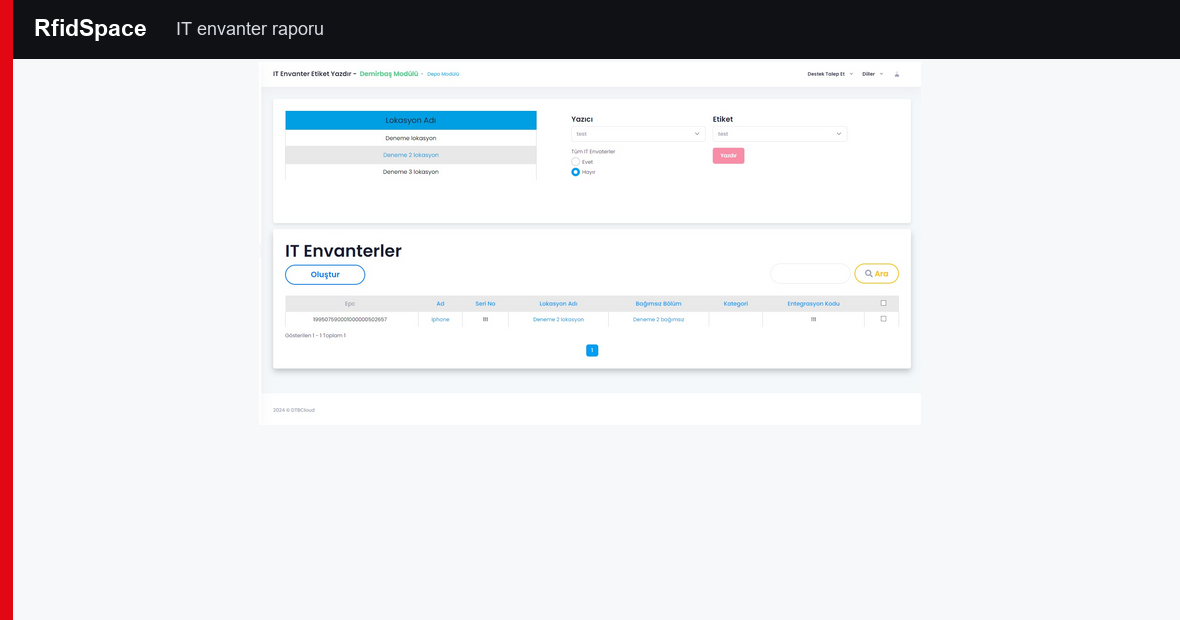
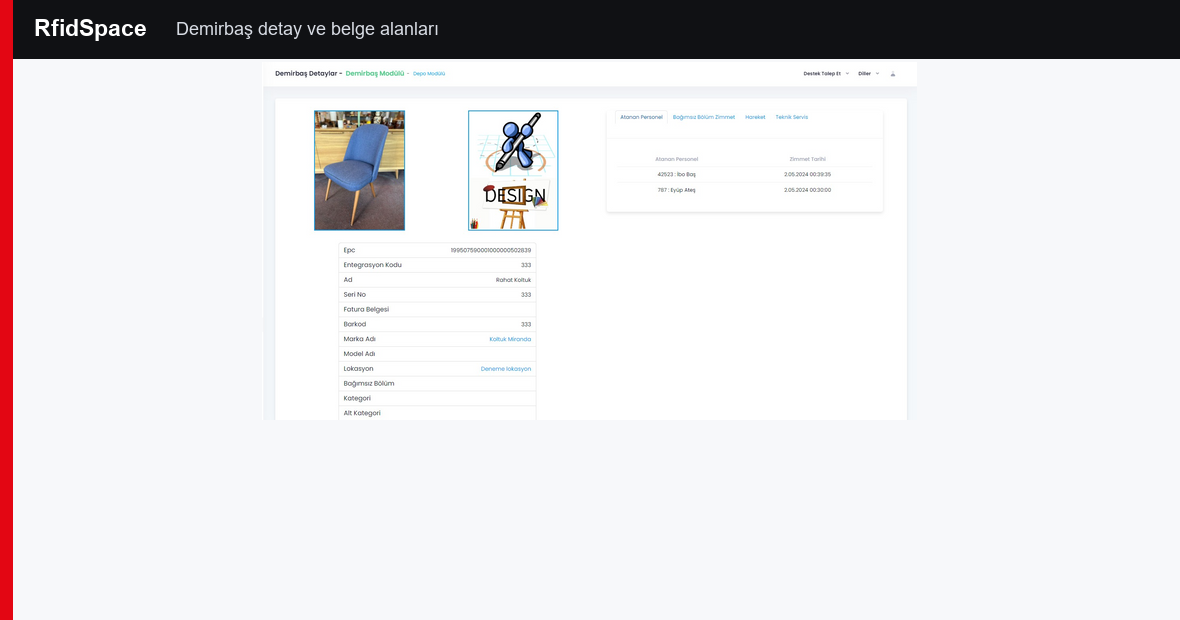
IT inventory cards manage category, sub-category, brand, model, serial number, EPC, barcode, invoice and integration code fields.
The IT inventory list can be exported to Excel, edited and uploaded back to the system. This accelerates first setup and large inventory updates.
Send to service, receive from service, delivery notes, fault descriptions and warranty reports are tracked as part of the IT equipment lifecycle.