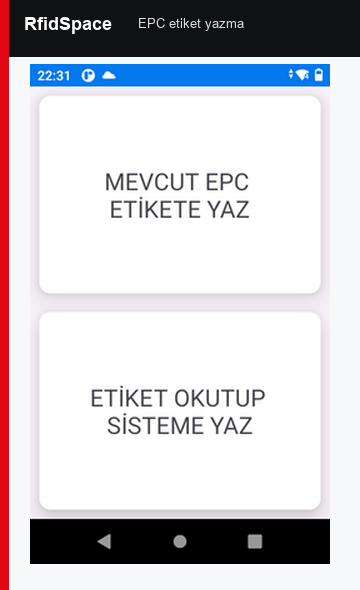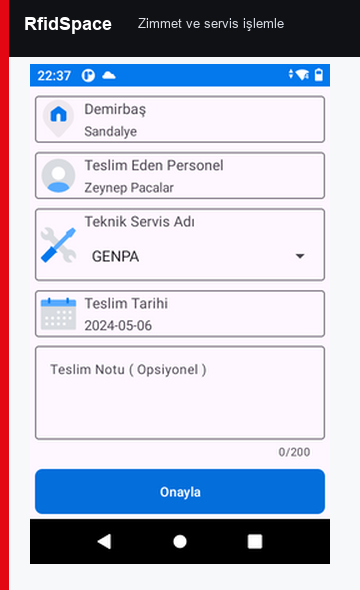
Asset registration and tagging
Each asset is registered with category, serial number, owner, cost center, location and EPC.
- Asset card
- Bulk import
- RFID label printing
Track assets by registration, RFID labeling, room/building location, employee assignment, mobile counting, maintenance, service and reconciliation reports.
Shows registration, assignment, location and maintenance tracking.
RfidSpace asset tracking follows the asset lifecycle from registration and tagging to assignment, location changes, service and periodic audit counts.
Each asset is registered with category, serial number, owner, cost center, location and EPC.
Buildings, floors, rooms, branches and campuses are modeled as a location hierarchy.
Assets can be assigned to employees, departments or projects with return and transfer history.
The asset record is created and linked with an RFID EPC.
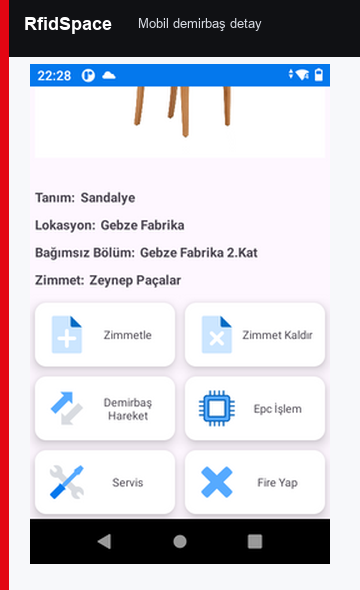
The asset is assigned to a person, room or warehouse area.
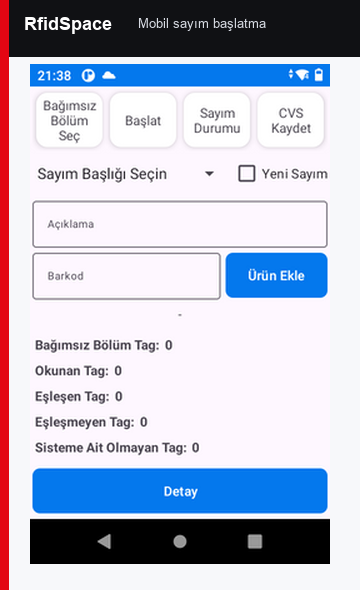
A handheld reader counts assets by room, floor or building.
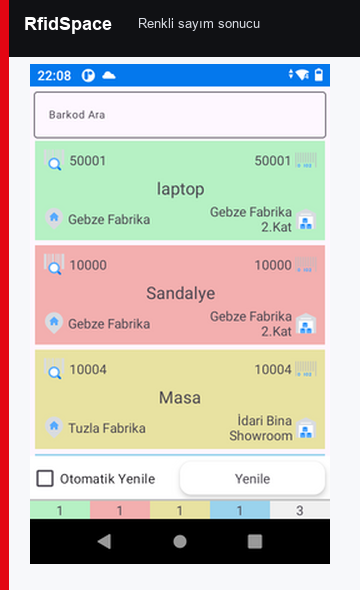
Missing, extra and wrong-location assets are reported.
Maintenance cycles, service notes, warranty and asset status are tracked in the same asset record.
Metal assets require on-metal or protected RFID labels validated with field tests.
The project can use UHF handhelds, fixed readers, antennas, RFID tunnels, printers, PDKS terminals, BLE gateways or ESL access points depending on the workflow.
Reads are mapped to product, asset, personnel, location, document and time records. API logs and user actions remain auditable.
Review the related RfidSpace solution and hardware pages before selecting the final field architecture.
RfidSpace asset management combines barcode and RFID usage, location hierarchy, assignment workflows, mobile counting, movement documents, service-warranty tracking and ERP integration in one operational model.
Assets can be matched with RFID EPC, 1D barcode, 2D barcode or QR code identifiers. Field users can switch between RFID, barcode or mixed reading modes when required.
Region, city, campus, building, floor, room, warehouse and assigned-person levels are modeled so expected and actual locations can be reconciled separately.
Counting, assignment, movement, reporting and administration operations are separated by role-based permissions.
Before the count, the user can select location, building, floor, room, warehouse or assigned employee filters and transfer the relevant asset list to the handheld. Offline counts can be synchronized later.
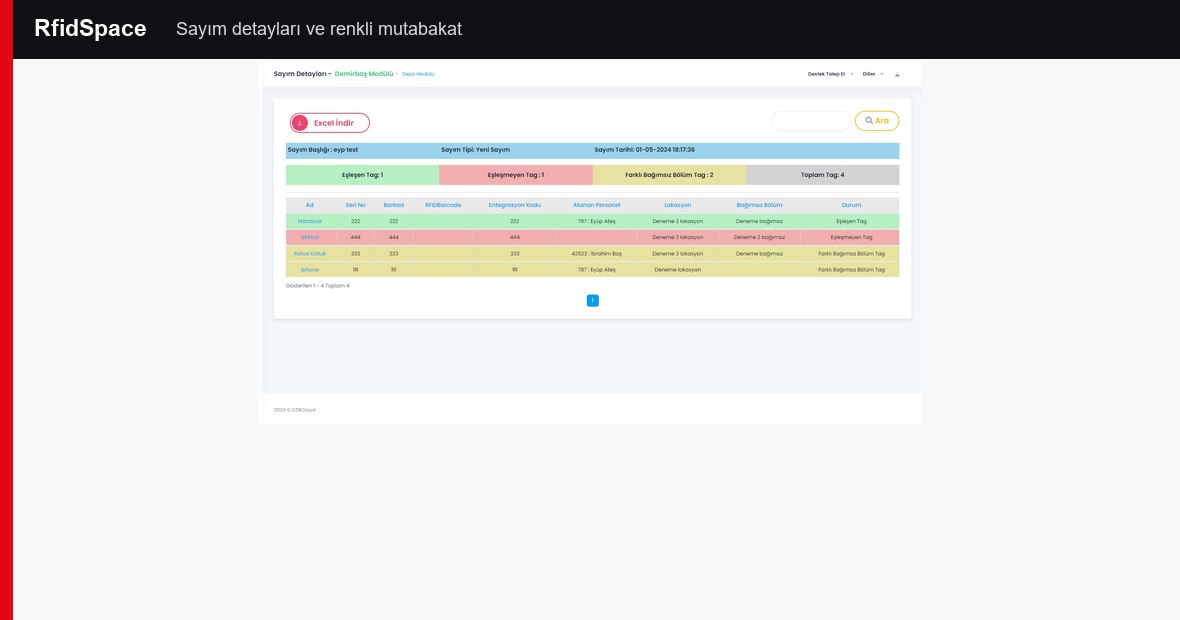
Expected, found, missing and unexpected-location assets are displayed separately. Color-coded states help the operator decide quickly in the field.
Missing assets can be searched by asset number. The handheld uses RFID signal strength to guide the user with visual and audible proximity feedback.
Location or assignment changes can be turned into approved movement records. Non-actionable differences can be ignored with user approval and explanation.
Asset, employee, assignment and location data can be received from enterprise systems. After counting, location changes, assignment changes, transfers, returns and missing-count results can be sent back to ERP.
Printed RFID labels can include asset number, barcode, organization name and visual fields. During the same process, the RFID chip is encoded with a unique EPC and can be locked with access/kill passwords where required.
IT equipment and enterprise assets can be tracked by service movement, warranty expiry, fault state, stock level and minimum stock warnings.
The manual workflows were added as operational scope for the RfidSpace fixed asset page. Asset cards, IT inventory, locations, mobile devices, counts, assignments, labels and reports operate together.
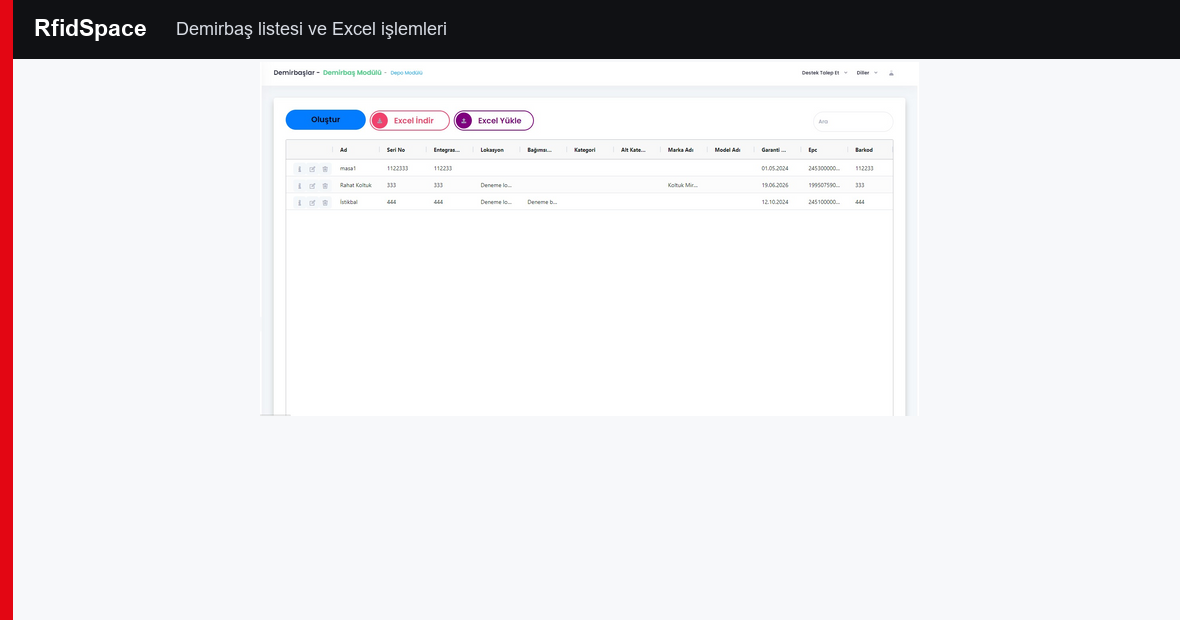
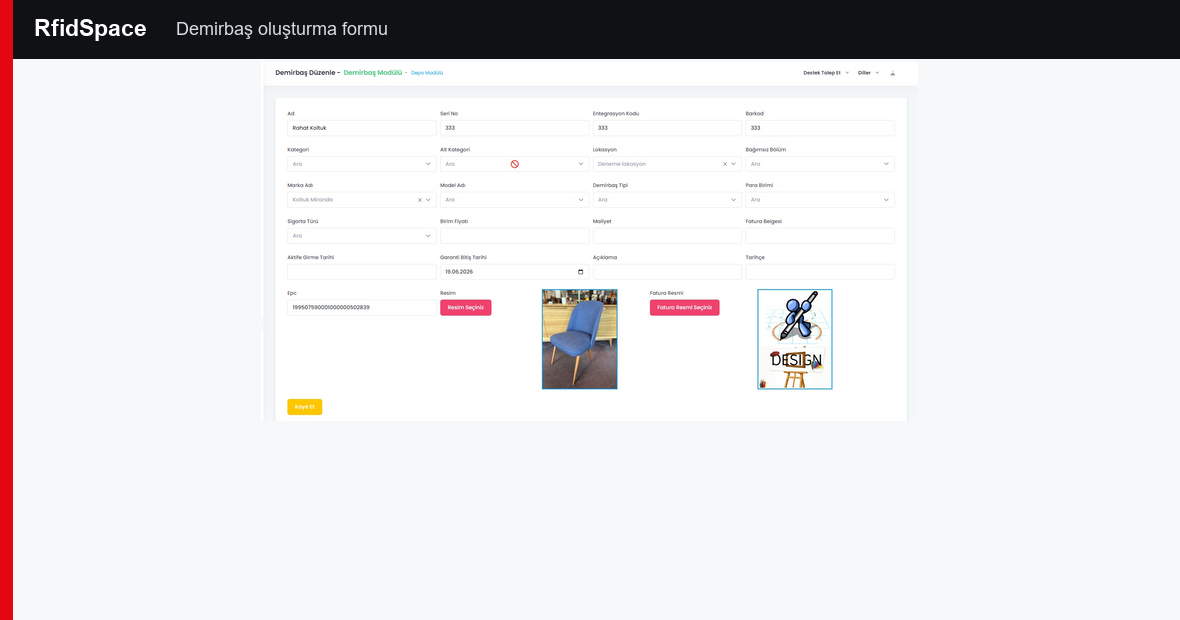
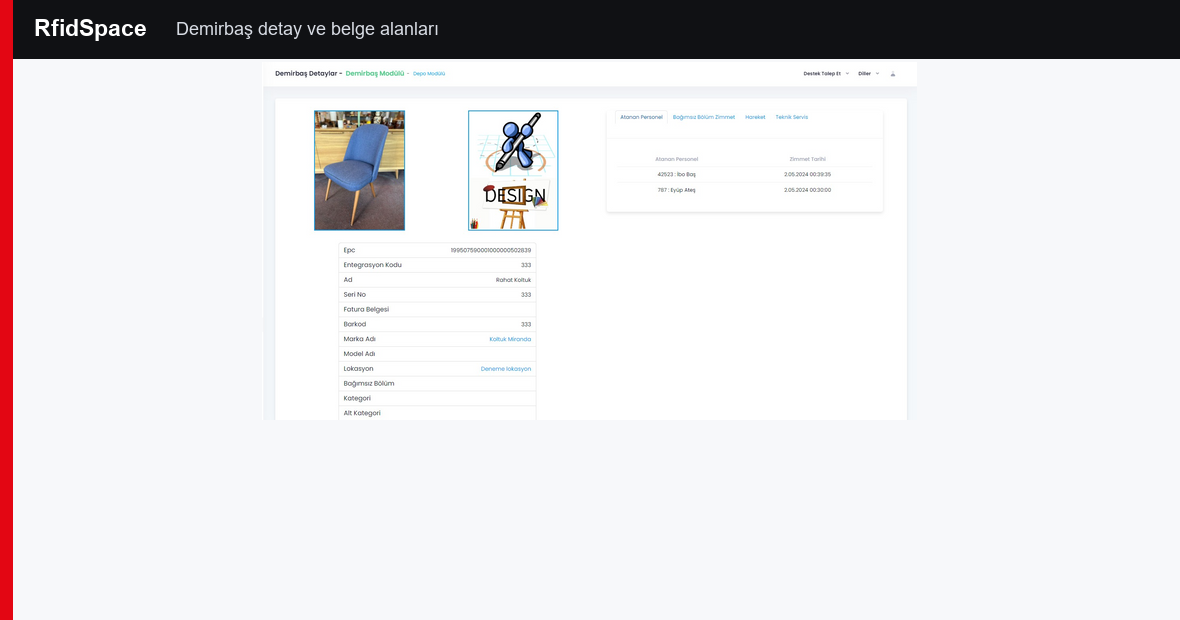
Asset, IT inventory, location and mobile device records include list, create, edit, detail, delete, Excel export and Excel import workflows.
Counts can be planned with description, count type, date, time, location and independent section. Completed and incomplete counts are tracked separately.
Assets and IT inventory can be assigned to employees or independent sections. Create, update, remove and Excel export workflows are supported.
Asset, IT inventory and document labels can be printed by selecting search results, location, printer and label type. EPC write/update scenarios are supported.
Asset inventory, employee assignment, section assignment, service performance, warranty, scrap, movement and count reports can be managed.
User profile details and password can be updated. Support request screens allow previous and new support records to be tracked.
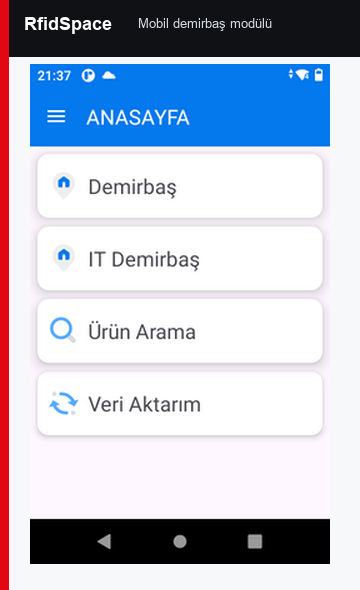
The mobile asset application supports fast field counting, product search, asset movement, loss/scrap, service, EPC writing and data transfer operations.